AI-powered aircraft record keeping that saves time.
GALogbook uses AI to convert paper records, organize the aircraft history, and make it searchable — so owners and A&Ps spend less time searching logbooks, rebuilding research, and doing repetitive record work.
Scan the records once. Find prior work and supporting proof fast. Keep the source attached and the research ready for next time.
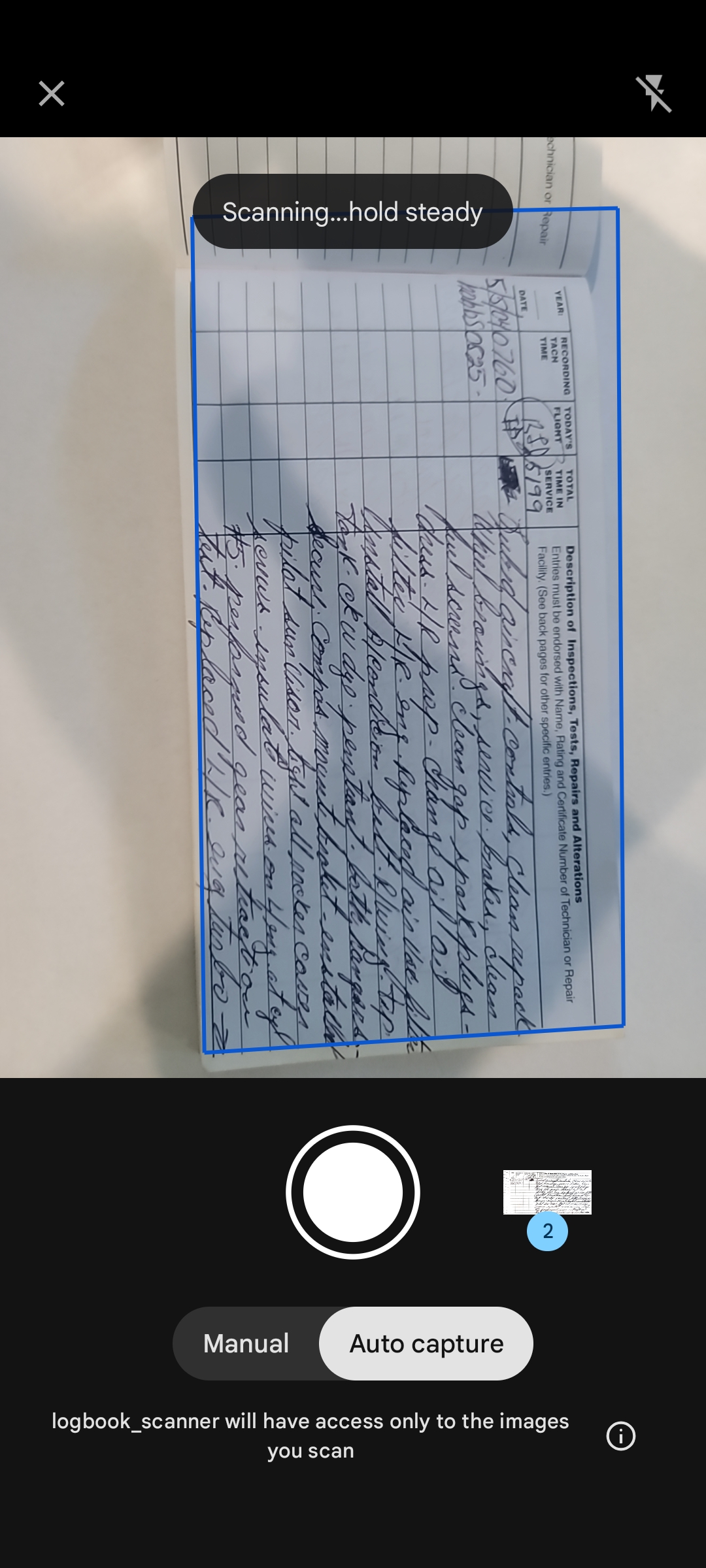
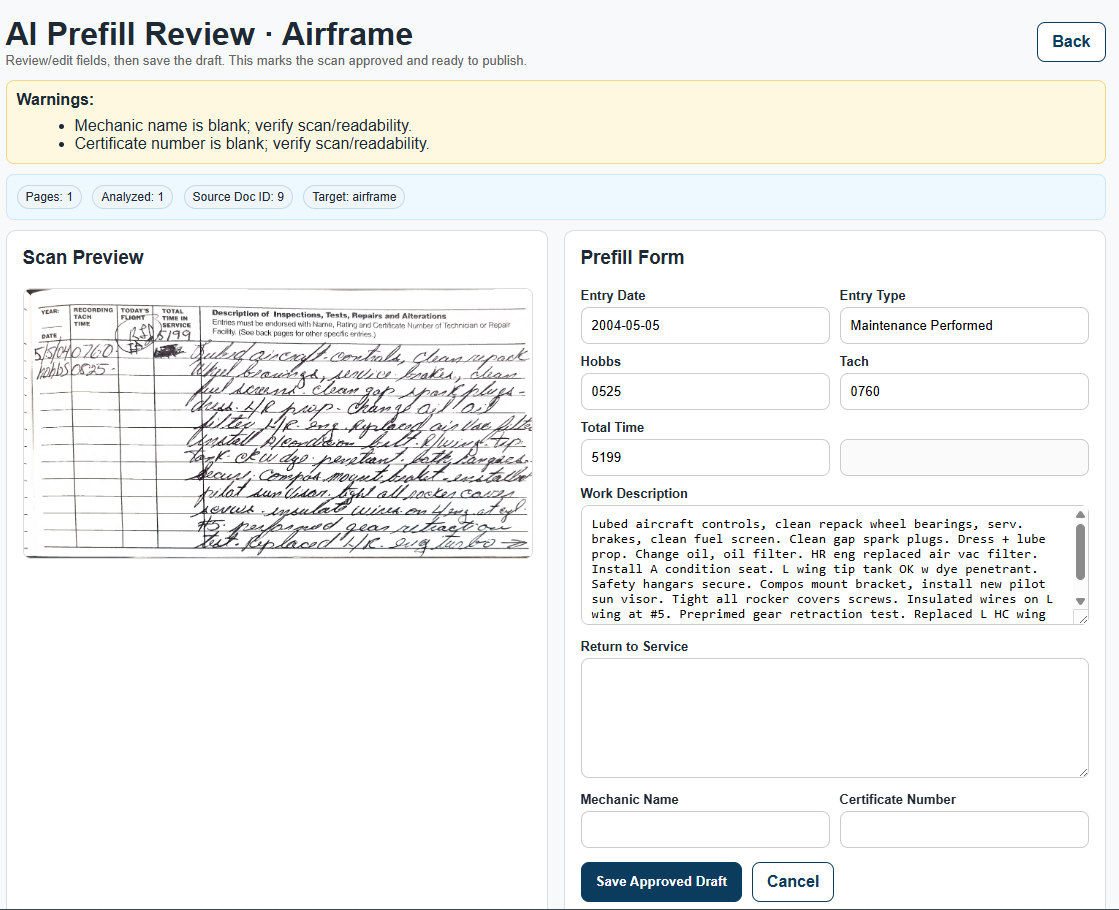
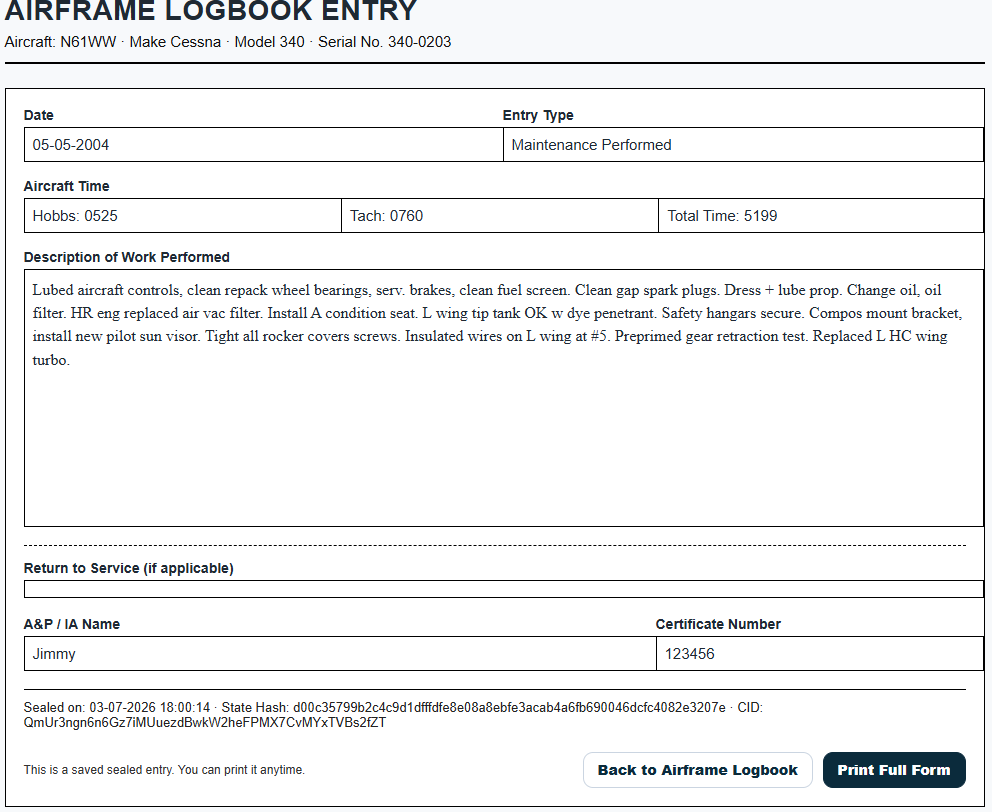
You review the work instead of building it all by hand.
GALogbook is built around the record work owners and A&Ps already do. AI helps read the records, organize the history, search for prior work, compare information, find supporting evidence, and prepare the next record.
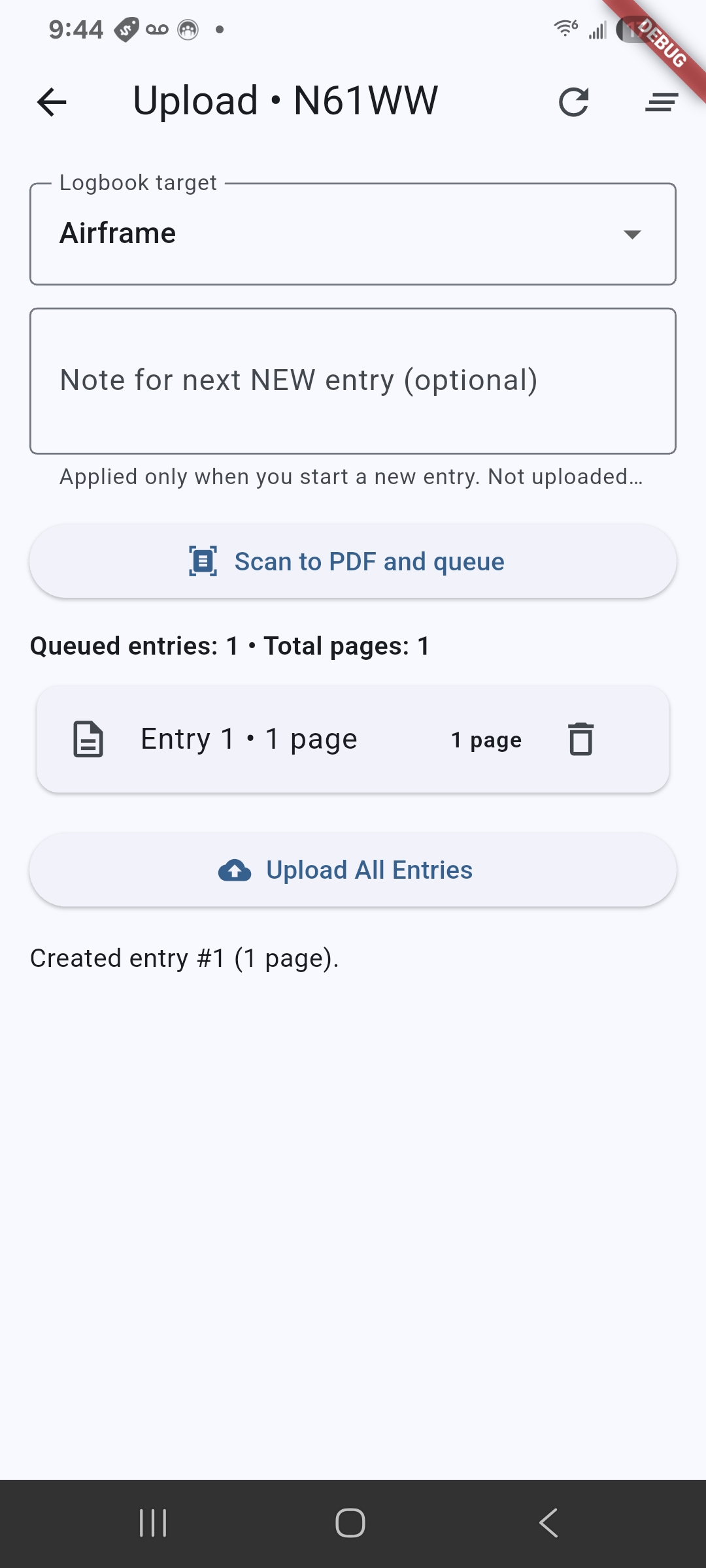
Scan
Bring in paper logbooks and the supporting records already with the aircraft.
AI Reads
Let AI help extract and organize the information instead of typing it all again.
Find
Search the history and get to the prior entry or supporting proof quickly.
Prepare
Use information already in the system to make the next record faster to prepare.
Carry It Forward
Keep the research and supporting record so the next job does not start from zero.
Built for the owner and the A&P
Both work from the same aircraft history. GALogbook takes workload off each of them in a different part of the job.
For aircraft owners
- Convert years of paper records without manually typing every entry
- Search instead of flipping through old logbooks
- Find previous entries and supporting proof quickly
- Keep recurring research and prior work available for the next annual
- Keep maintenance due items and aircraft history organized
- Give an invited A&P access to the same aircraft record
For A&Ps and IAs
- Start with an organized aircraft history instead of a stack of books
- Find previous logbook entries, component history, and supporting records faster
- Go directly back to the original source when verification is needed
- Spend less time retyping aircraft and component information
- Prepare new logbook entries from information already in GALogbook
- Carry completed research forward to the next inspection or maintenance event
Features your A&P will actually use
Every hour spent searching logs, rebuilding prior research, or preparing repetitive record information is shop time. GALogbook is designed to shorten that part of the job.
Text to logbook entry
Start with the entry details and let AI help prepare the logbook entry instead of starting with a blank page.
Easy record research
Search the aircraft history for previous logbook entries, parts, components, dates, or other record information without manually working through multiple logbooks.
Seconds to supporting proof
Go from the item being researched to the prior entry and original source without hunting through years of paper.
Aircraft information is already there
Aircraft, engine, propeller, times, and existing history are available without repeatedly asking the owner for the same information.
Previous research stays useful
Prior work, supporting entries, recurring items, and record history remain available instead of being rebuilt at the next annual.
Owner + A&P shared access
Work from the same aircraft record instead of sending pictures, PDFs, and pieces of the history back and forth.
Where AI saves the hours
The value is not just storing the record. It is removing the manual work required to turn that record into something useful.
Logbook scan conversion
Turn scanned and handwritten logbook pages into searchable information without manually transcribing every entry.
Source scan beside the text
Review the converted information with the original page immediately available instead of hunting for the source.
AD lookup from aircraft profile
Start research from the aircraft and component information already stored instead of entering the same information repeatedly.
AD report import review
Bring existing compliance information into the workflow without rebuilding the worksheet row by row.
Receipt and support record review
Keep reports, receipts, certificates, and supporting documents searchable and connected to the aircraft.
Print labels for paper logbooks
Use the record that has already been prepared instead of recreating the same entry again for the paper book.
Do the record work once. Keep using it.
Research completed today should still save time next year. GALogbook keeps the work connected to the aircraft so future inspections, maintenance, and record searches can start where the last one left off.
Annual prep without starting over
Prior research, entries, proof, and recurring items stay available so the next annual starts with an organized record.
Maintenance due stays visible
Carry maintenance and inspection intervals forward instead of rediscovering due items in old records.
337s, SBs, and supporting records
Keep them with the aircraft history so they are where you expect them when the record is being researched.
Oil history without rebuilding spreadsheets
Keep oil-service records and laboratory analysis history organized and available for comparison over time.
Report-ready records
Keep the information organized so AD compliance, annual, maintenance-due, aircraft-status, and other reports can use the record already built instead of being recreated by hand.
Searchable aircraft history
The more record work completed in GALogbook, the less work needs to be repeated the next time something has to be found.
Your A&P's time isn't free.
Searching logbooks, locating prior work, checking supporting records, rebuilding research, and preparing entries all take time.
GALogbook puts the aircraft history, prior work, and source records in front of the mechanic faster so less shop time is spent doing record work that software can help with.
AI does the repetitive work. You stay in control.
GALogbook can read, organize, search, compare, and prepare information, but the owner, A&P, or IA reviews what gets used.
Original scans and uploaded source documents stay connected to the aircraft record so the information can always be checked against where it came from.
Find it once. Keep it useful.
Once a prior entry, compliance record, component history, or supporting document has been found and organized, it should not disappear back into a stack of paper.
Search the history, open the supporting entry, verify the source, complete the record, and carry the work forward.